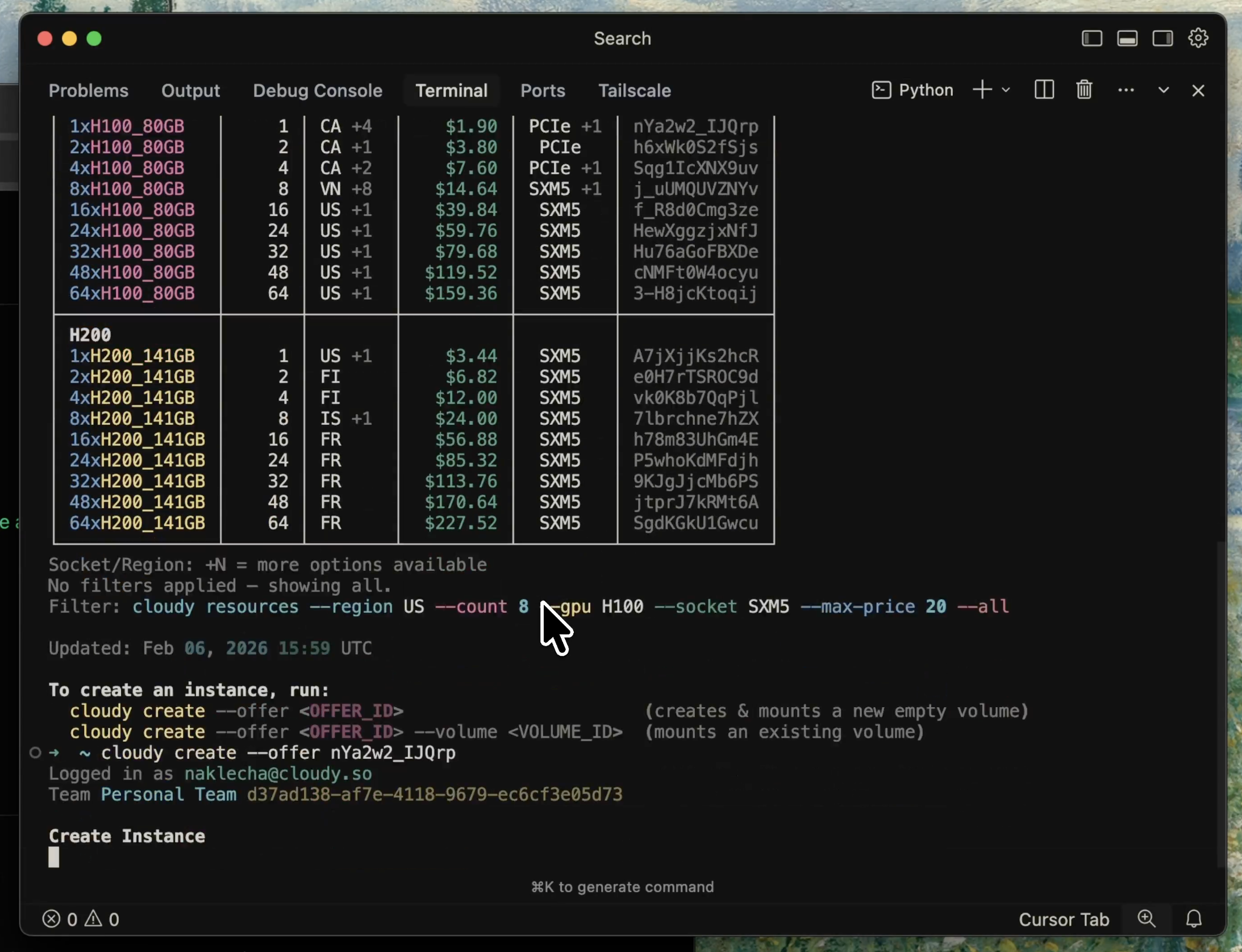
The Cloudy CLI is live. You can now rent GPUs, manage storage, and SSH into instances without leaving your terminal. It works with Claude Code too.
[NEW]
-
Cloudy CLI. Install with one command:
curl -fsSL https://cloudy.so/cli/install.sh | sh
Everything you can do from the dashboard, you can now do from the terminal:
cloudy loginauthenticate via your browsercloudy resourcesbrowse available GPUs and pricingcloudy instances createspin up a GPU instancecloudy instancesview and manage running instancescloudy ssh <instance>SSH into any instancecloudy volumescreate, list, fork, and delete storage volumescloudy walletcheck your balance
Works great with Claude Code and other AI coding tools, so you can spin up GPUs without leaving your editor.
-
Multi-node GPU rentals. You can now rent multi-node clusters with up to 64× H100s or H200s connected via 3.2 Tb/s InfiniBand. Nodes are automatically joined into a k3s cluster with shared workspace and RDMA support for distributed training.
-
Live GPU availability on the homepage. Real-time pricing table for H100 and H200 across 1× to 64× configurations, with direct links to rent.
[IMPROVED]
- Dashboard cleanup. Refreshed billing, SSH keys, team settings, and storage viewer. Simpler and faster.